 Role by Post
NPCs
The GM can speak as NPCs (non-player characters) with their own name and portrait. NPC features are GM-only.
Speaking as an NPC
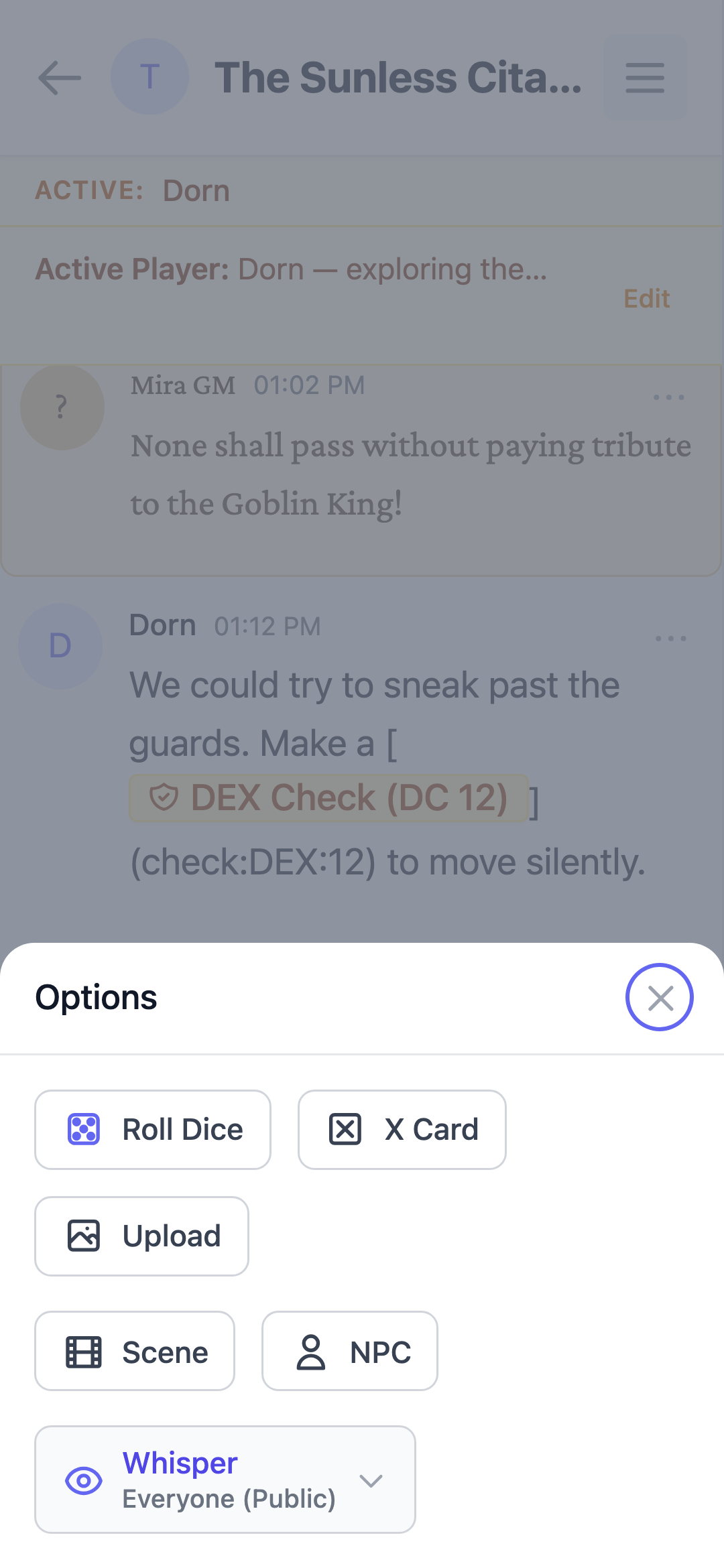
- Open the "+" options in the message composer.
- Select NPC mode and type a name of up to 40 characters.
- The message is attributed to the NPC.
Creating NPCs on the fly
- A new name creates the NPC automatically with a random portrait.
- An existing name reuses that NPC's saved portrait.
Portraits
GMs can search game-icons.net by name or tag to pick a specific portrait, or re-randomize at any time. Portraits are curated first, with full search as a fallback. For tabletop-style token art, we also recommend You See This.
Roster
Each channel keeps a persistent NPC roster. Existing NPC names autocomplete when you type, and the roster is shared across the channel's GM.
The GM can open the full roster from the channel sidebar (NPCs) to rename NPCs, change their portraits, delete them, or add new ones directly.
NPC messages
- NPC messages work with whispers
- They appear in search, chat export, and push notifications attributed to the NPC
- Names and portraits are snapshotted on each message, so past messages stay stable if an NPC is later renamed or re-pictured