 Role by Post
Campaign Notes
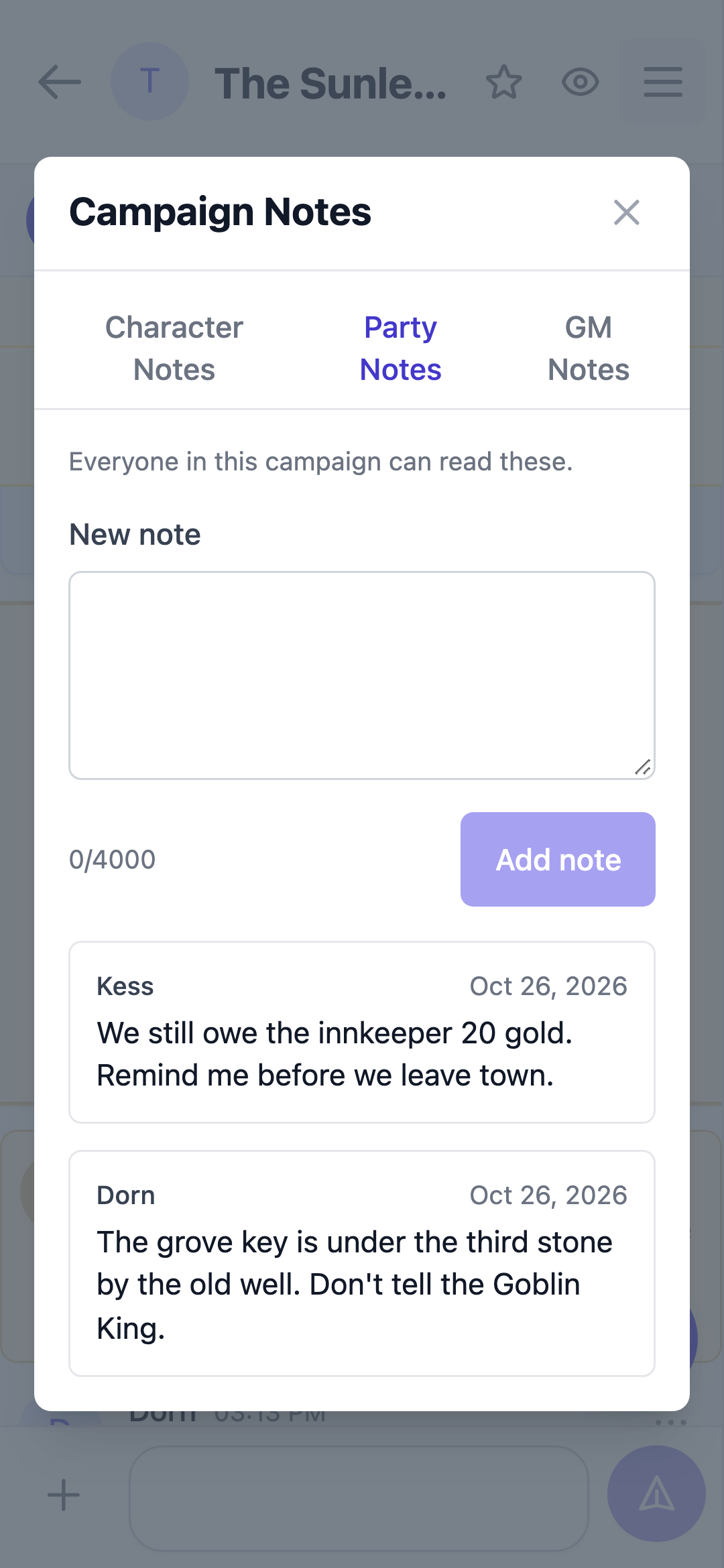
The Notes section of the channel sidebar keeps your campaign's notes in one place. Character, party and GM notes all belong to the campaign — switch rooms and the same notes are still there.
Open Character Notes, Party Notes or GM Notes from the sidebar. Each opens the same notes window on that tab.
Character Notes
Your own character's notebook. Only you and the GM can read it, and only you can edit or delete your entries. Use it for backstory, secrets, plans, or anything you want to remember between posts.
Party Notes
Shared with everyone in the campaign. Every player can add their own entries and edit or delete the ones they wrote. It is a good place for clues, loot, quests, and decisions the whole table should see.
GM Notes
Only the GM can open this tab or read these notes. Players never see the tab.
Writing notes
- Notes are plain text. Line breaks are kept; formatting marks are shown exactly as typed rather than turned into rich text.
- A note can be up to 4,000 characters.
- Everyone who can see a note gets it live, without refreshing.
- You can edit or delete your own notes at any time. You cannot change a note's audience after writing it — add a new note on the right tab instead.
- In an archived campaign, notes stay readable but the writing controls are disabled.
- When you use Download My Data, the notes you wrote are included in the export.
Written by Alvaro Cavalcanti, creator of Role by Post.